
A visitor opens your service page and sees a polished office, a smiling team and a large photograph. The page looks considered, but the visitor still cannot tell what your company actually does
Choosing images for a business website starts with that gap. Before asking for a different style or a new shoot, decide what the reader needs to understand and what the image can truthfully show
This guide helps owners and marketing teams prepare a useful image brief. It uses a fictional office fit-out example to distinguish a record of real work from an explanation of an idea, then checks what survives the mobile crop
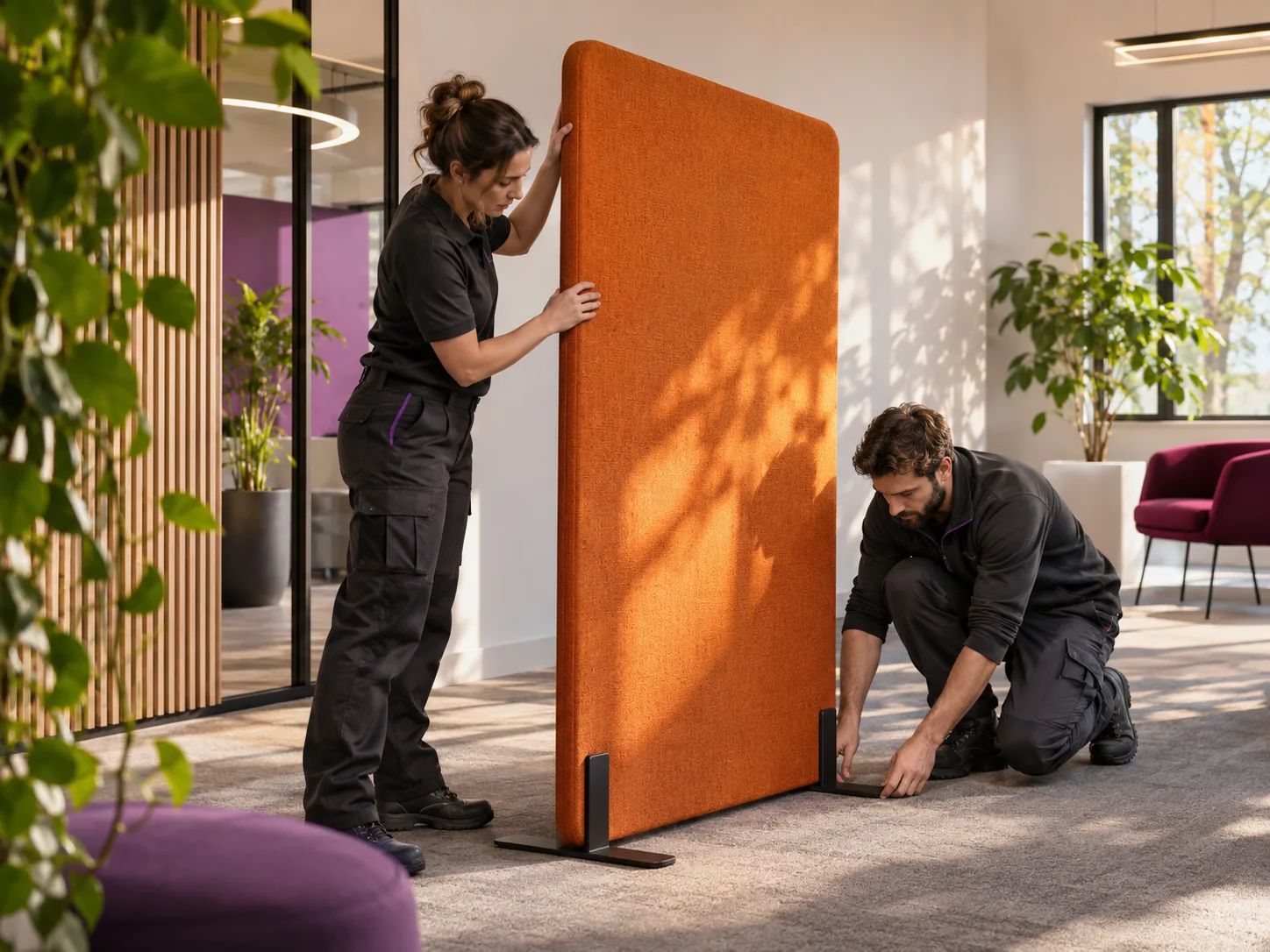
The main image is a generated fictional concept used to explain image selection, not a record of completed client work
Give the image a question to answer
Start with the sentence beside the image. If it says that your team reconfigures office spaces, what would help a prospective client understand that work: the finished room, the task in progress, a relevant detail, or a diagram of the stages?
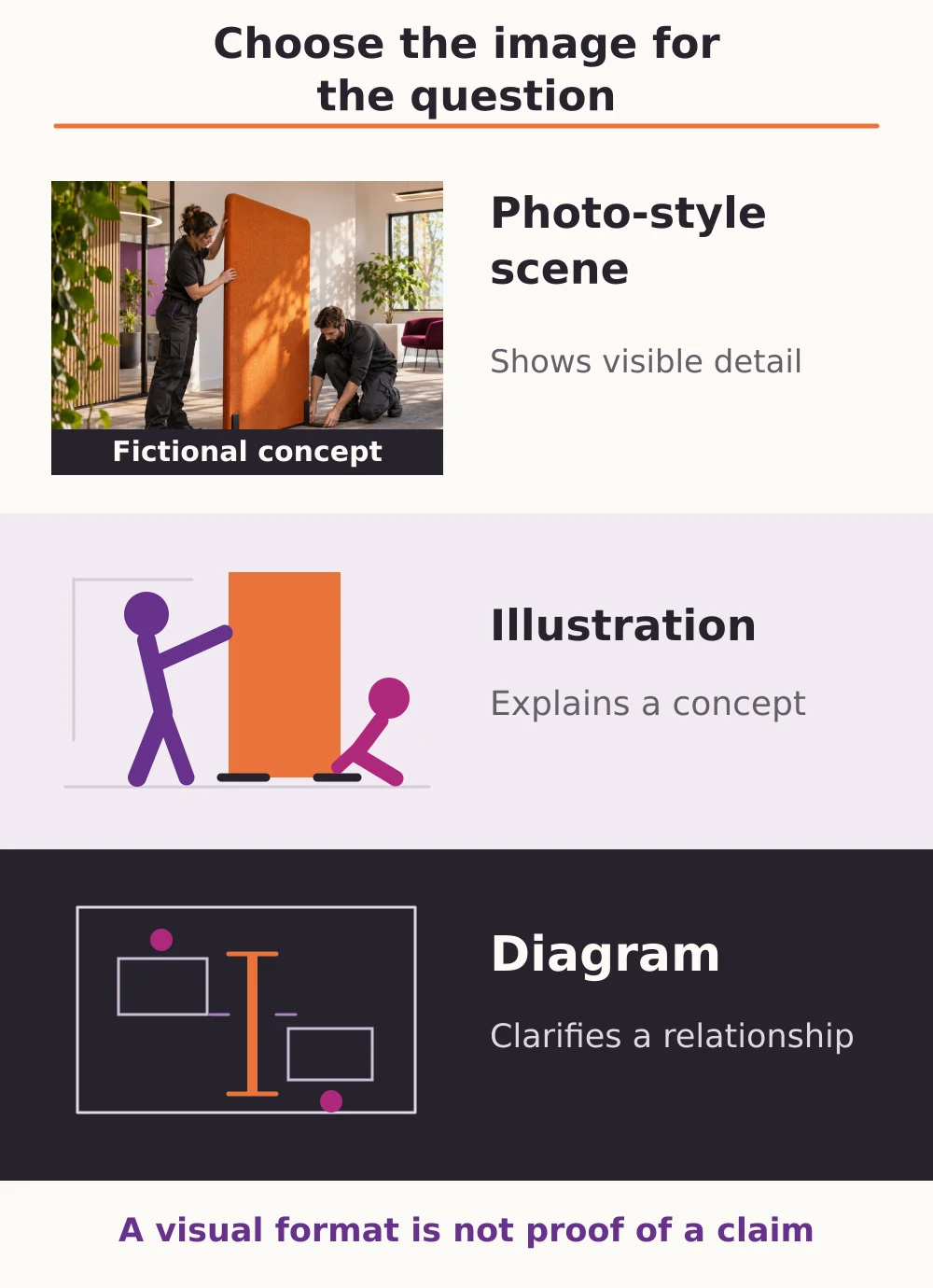
Each choice answers a different question. A wide room view can establish the setting. A closer view can make a particular task visible. A diagram can explain who approves a layout before anything moves. A beautiful image is more useful when you can name the information it adds
Nielsen Norman Group’s research on photos as web content distinguishes information-carrying images from decorative pictures that readers may ignore. That is a reason to examine relevance, rather than a rule that every stock photograph is unsuitable
If your problem is deciding what the whole page should explain, begin with our guide to content for a service page aimed at business buyers. The image brief then turns one of those questions into a visual task
Choose the source and the kind of explanation together
The important distinction is what the image represents. A realistic appearance does not establish that a scene is your project, your team or your premises
- A record of real work: use a relevant, authorised project photograph when the page needs to show something your company actually completed. Confirm the project context and the statement the visible detail supports
- A conceptual illustration: use an illustration, suitable stock image or generated scene to explain an idea or establish a context. Describe its role clearly when a reader could mistake it for your own work
- A diagram: use a diagram when the useful information is a relationship, sequence or choice that a photograph cannot clearly explain. Keep its meaning in readable page text as well
These options can work together. A real project photograph might show the result, while a separate diagram explains the proposed review process. The diagram does not prove the process happened on that project, and the photograph does not prove every claim made about it
Ask the responsible owner to confirm the permitted publication and agreed uses before production or upload. If permission or the project context is unclear, record the gap and choose another suitable asset rather than filling it with an unsupported attribution
A worked example: explaining an office layout service
Fictional example: an office fit-out company wants an image for a section explaining how it positions freestanding office partitions. This is an invented situation for the guide, not an ADAMS client or a measured result
The first option is an attractive empty office. It establishes a workplace setting, but it does not show the positioning task. The image could still suit a different section; it simply leaves this particular question unanswered
The next option would be an authorised photograph from the company’s own work, showing people positioning a partition and enough surrounding space to understand its location. Its caption could identify that visible task and the verified project context. It would not, by itself, support a claim about installation time, sound reduction or a business outcome
What changes when the scene is generated?
A generated scene can illustrate the same kind of task, but it remains a concept. The main illustration in this guide is a generated, fictional scene; it is not a photograph of an ADAMS team, premises or completed client project
For a service website, placing that scene under a heading such as “Our completed projects” would create the wrong impression. A clear description such as “Illustrative concept: positioning a freestanding office partition” explains its limited role, but does not turn it into evidence of completed work
If the section instead needs to explain the order of decisions, a diagram could show layout review, approval and positioning as a proposed workflow. The accompanying text should explain who confirms each stage. There is no need to make a photograph carry information that the reader cannot see in it
Write a short image brief before production
A useful brief lets the person supplying the asset and the person building the page assess the same task. For the fictional partition example, it could contain the following decisions
- Page and reader question
- The partition-positioning section of a service page: what work will take place in the office?
- Required visual information
- The positioning action, the freestanding partition and enough of the room to explain their relationship
- Source and status
- An authorised record of the company’s work if this is a project example; otherwise a clearly identified illustrative concept
- Essential detail and crop
- Keep the relevant action and partition visible in each intended layout; review the actual narrow crop before accepting it
- Factual and publication checks
- A named person from the business confirms the project description, the statement supported and the agreed permission to use the asset
- Page delivery
- Supply the approved caption, contextual text alternative, descriptive filename and suitable exports, with an owner for final page review
These decisions are more useful than a request for “something professional”. If the company has no suitable project image, that becomes a clear production decision. It does not become a request to invent project evidence
Review the image in the page, especially on mobile
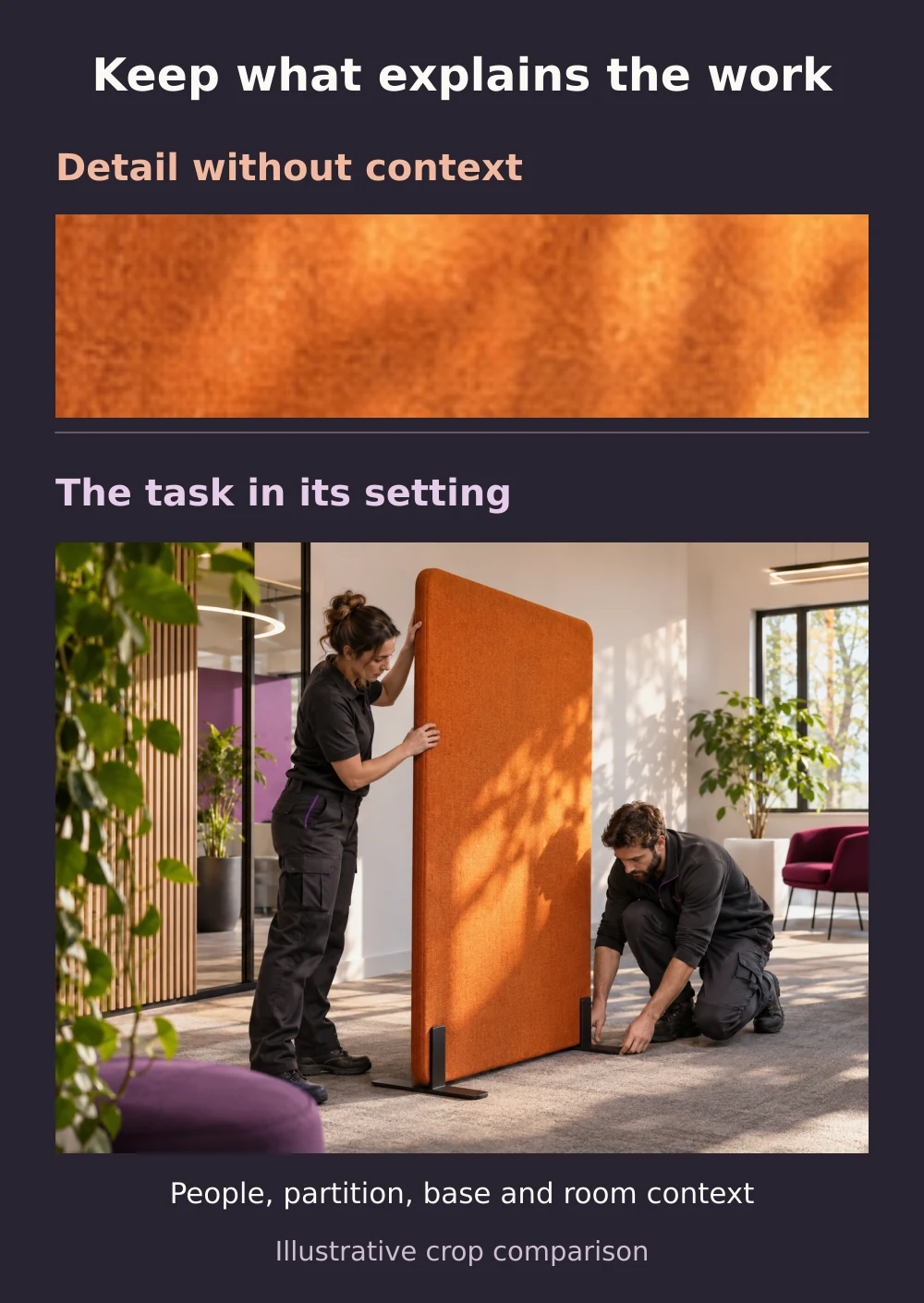
Open the actual page layout. A crop can remove the action, separate a hand from the object being positioned or leave a generic wall where the important detail used to be. A crop that works as a wide hero may also fail in a small article card
In the example, compare a crop showing only the partition fabric with a view that retains the people positioning it, its base and the surrounding room. The fabric detail may suit a section about visible materials, but it does not explain the positioning task. For this section, the contextual view is more useful. If the important content cannot survive the narrow layout, select another crop or asset. web.dev’s guide to art-directed responsive images explains how alternate crops can preserve the subject across layouts
Use the caption and text alternative for different purposes
The visible caption can explain the image’s source, status and relevant context. The text alternative should convey its useful meaning in the page. W3C’s guidance on informative images makes that meaning depend on the image’s purpose and context, rather than a list of everything visible
For a detailed diagram, provide the explanation in the surrounding text, not only inside the artwork or behind a full-size image link. W3C’s guidance on complex images describes the need for a complete text equivalent
Give the file a descriptive name, place it beside the relevant explanation and check that the delivered image remains sharp without sending an unnecessarily large file. Google’s image guidance also recommends descriptive filenames and contextual alternative text without keyword stuffing. These are publishing practices, not a promise that an image will improve rankings
Start with one page and the assets you can support
Choose a page where an image currently leaves a useful question unanswered. List the assets you already have, identify which are records of your work and which are concepts, then write the short brief before commissioning anything new
In ADAMS creative design and website design work, this gives the team a clear basis for discussing the visual treatment, page placement and production scope. Share the page, the question and the assets available so the next decision is specific enough to review