

You search for your company name and find the website. Then you search for the service you sell and cannot find the page you expected. Has Google lost the site, ignored the page, or simply chosen other results for that search?
If your page is indexed but does not appear for the service searches that matter to your business, publishing more articles is not a diagnosis. Establish which page and search are involved, confirm what Google knows about that URL, then use search data to choose the next piece of work
This guide is for business owners and marketing teams. It explains how to separate an indexing question from a visibility or content question, using a fictional example rather than client results or a promise of higher rankings
The main image is a conceptual illustration, not a client project, a search-results screenshot or measured performance
Replace “we do not appear” with a specific question
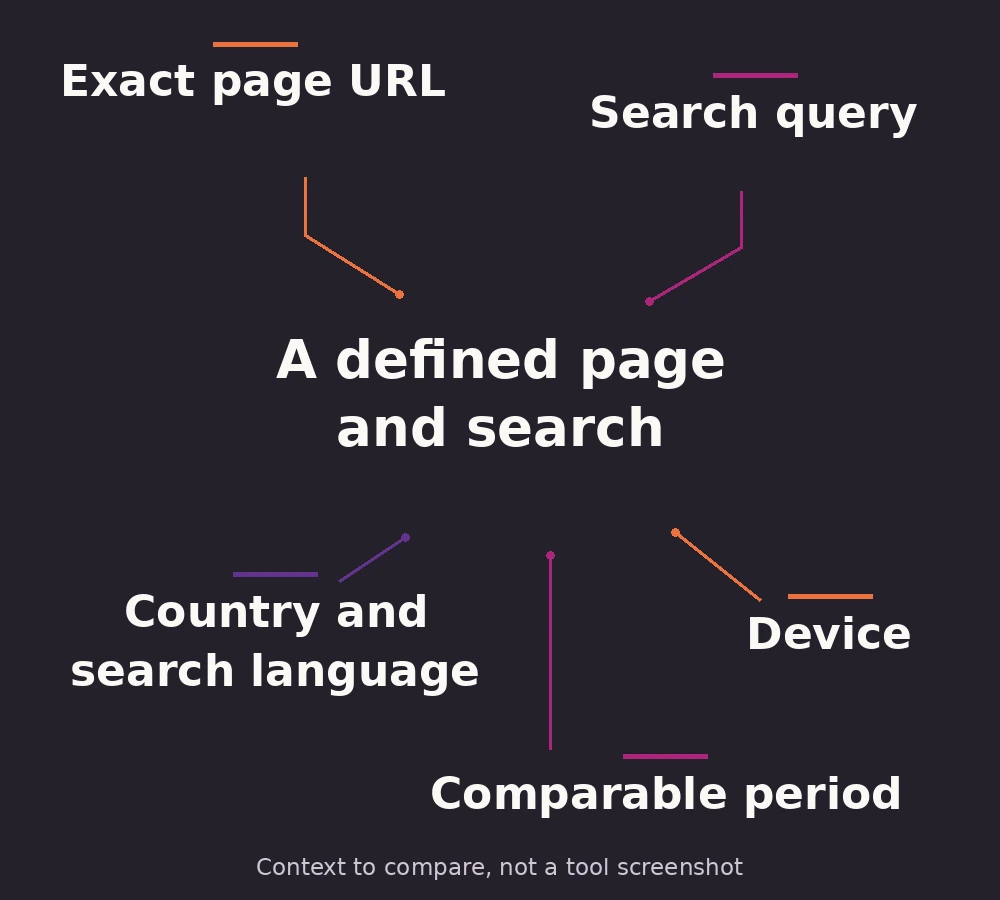
Write down the page you expect to appear, the words a potential customer would search, and the relevant country and language. Keep a branded search, such as your company name, separate from a service search by someone who has never heard of you
The homepage appearing for a brand name does not establish whether a particular service page is indexed or competitive for a service query. Likewise, finding an English page does not answer the question about its Arabic counterpart
A manual search is useful context, not a complete visibility report. Google explains that results depend on factors including the searcher’s location, language and device. Record that context instead of treating one person’s screen as everyone’s result
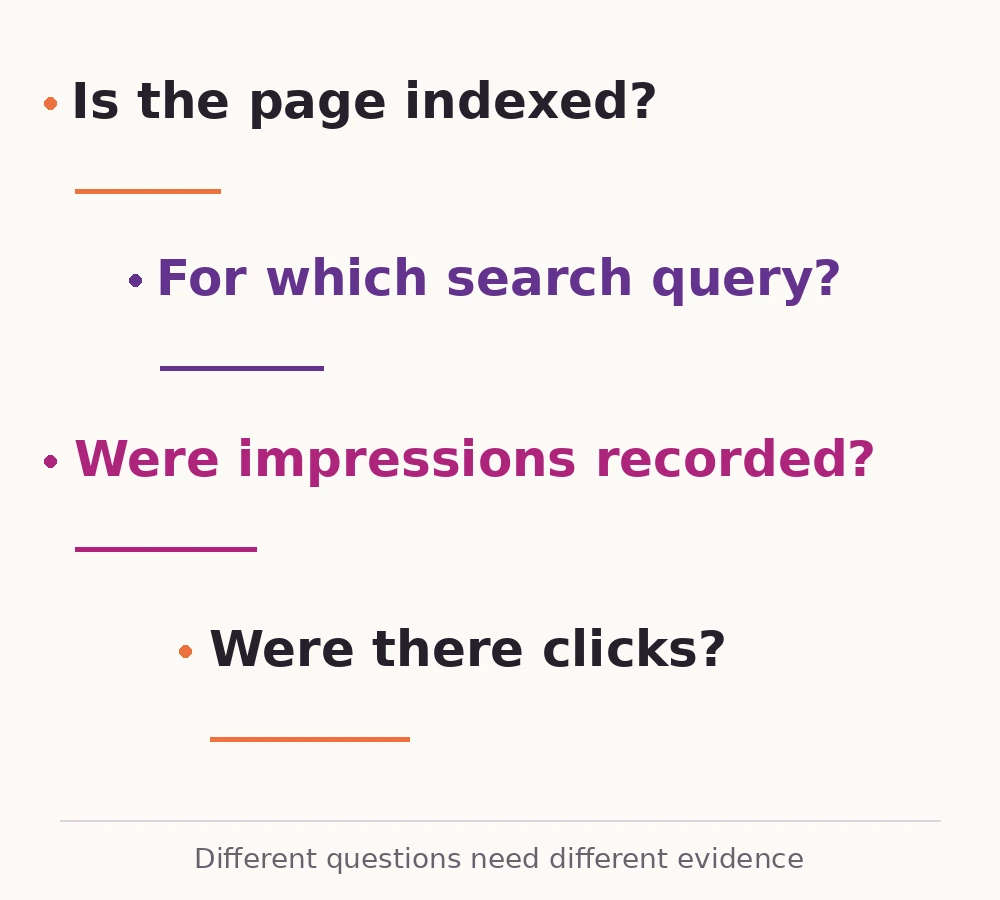
- Indexing
- Whether Google has included the page in its index
- Ranking for a query
- Where a result is placed for a particular search and context
- Impressions
- Recorded appearances of a result under Google’s counting rules, rather than visits to the website
- Clicks
- Recorded clicks from the search result to the site, rather than enquiries or sales
Keep those questions separate when reading Google’s definitions of impressions, position and clicks. A page can record impressions without clicks, so “nobody visited from this search” does not mean “the page was never shown”
Confirm the exact page before changing its content
In Search Console, enter the full page URL into URL Inspection. Start with the indexed information and read the page-indexing details, including the last crawl and Google’s selected canonical URL. The canonical is the representative address Google selected when assessing duplicate or very similar pages
If another address is selected, first establish whether that is expected. A duplicate address can legitimately be represented by the intended page. An unexpected choice needs an investigation of the actual pages and their signals, rather than an automatic rewrite. Google’s canonical guidance explains why internal links, redirects and canonical annotations should not point to conflicting versions
An indexed record and a live test answer different questions
The indexed view describes Google’s stored information. A live test examines the page now and can help assess a recent fix; a successful live test does not prove the page is indexed, and it cannot establish Google’s selected canonical. Google’s URL Inspection documentation sets out that distinction
If the indexed record says the page is not indexed, follow its stated reason before pursuing a ranking explanation. A blocked page, a failed fetch and an expected duplicate do not call for the same action. Google provides a single-page troubleshooting guide for interpreting these details. Inspection does not cover every possible serving restriction, so an indexing verdict is not a guarantee of appearing for a chosen search
Do not overrule that evidence because a site: search returned nothing. Google states that site-search results are not exhaustive; the absence of an individual URL is not definitive proof that it is unindexed
Read search performance for that page, not the whole website
Once the intended page is confirmed, open the Search results Performance report. Choose the search type and date range, apply a filter for that page, then view its queries. Add country or device filters when they answer the original question, while remembering that narrow filters leave less evidence
Most search-performance data is assigned to Google’s chosen canonical URL, so confirm which address holds the data before interpreting an empty page-filtered report
For a bilingual site, inspect each language URL separately. Use the language URL and query wording to understand the context; do not assume that the report offers a separate language filter
Google’s filtering guide explains how page and query filters work and why anonymised queries or data limits can affect totals. The query table is not a complete list of every search, so a missing phrase does not establish that nobody searched it or that your page never appeared for it
Which observation changes the next step?
No recorded impressions for the page in the selected view: confirm the URL, canonical and filters before drawing a content conclusion. With little data, record the uncertainty instead of naming a cause
Queries appear, but mostly concern the brand or a different topic: compare them with the page’s actual purpose. This is evidence to investigate relevance, not proof of a particular ranking-system judgement
Relevant impressions appear, but few clicks follow: examine the actual search results, competing answers and how clearly your result describes the page. Average position is an aggregate, not a fixed place every searcher saw; the Performance report documentation explains the reporting context
Make the page useful for the search you chose
Read the page as the customer behind that query. Someone looking for a company to carry out a service needs to understand what is provided, where it is available, what limits apply, what evidence supports the offer and how to take the next step. A page that offers only broad claims about excellence leaves those questions unanswered
Replace vague claims with information the business can verify. Add a relevant example with its scope explained, show the actual process where useful, and make important conditions easy to find. This is an editorial improvement to the answer, not a formula that guarantees a ranking
Then make the main heading and SEO title describe that answer accurately. Google’s title-link guidance recommends clear, distinctive wording and discourages repeated keyword lists. Google may choose different title text in results, so changing a title is not the same as controlling its displayed appearance
If the search asks for an explanation rather than a supplier, a supporting article may be appropriate. That page-role decision is covered in our guide to service pages and blog posts. Do not create a second URL with substantially the same job simply because the existing one is not yet prominent
A fictional example: the homepage is visible, the service is not
Illustrative scenario: an office IT-support company can find its homepage when searching its name. Its marketing manager wants an Arabic service page to reach companies looking for ongoing office support in Cairo. This is a made-up situation, not an ADAMS client or a measured outcome
The team inspects the exact Arabic page and finds that it is indexed with the intended canonical. That changes the task: there is no evidence here that repeatedly requesting indexing would address the service-search problem
The page-filtered query view contains branded searches and general computer-repair phrases. Reading the page reveals that its introduction promises “complete technology solutions”, while its actual office-support scope, coverage and responsibilities are hard to find. The team now has a plausible content mismatch to investigate, not proof that this alone explains its visibility
A useful brief for the next edit
The marketing manager asks the service owner to confirm supported office environments, coverage, included work, exclusions and the information needed for an initial enquiry. The editor uses those approved details to make the existing page specific, gives it an accurate title and connects relevant explanatory content to it
Had Google selected an unintended old URL instead, the first brief would have gone to the website specialist to investigate that relationship. Had the page already recorded relevant impressions with few clicks, the team would also have examined the result’s wording and search context. Similar complaints can lead to different work because the evidence differs
Finish with an action that can be reviewed
Keep a short record: the page and search need, the period and filters used, the observation, the proposed explanation, the change, and the person responsible. Agree when to revisit the evidence, noting that recent search data can be incomplete and that changes need time to be crawled and processed
After a meaningful correction, an indexing request may be appropriate. Google states that repeating requests for the same URL does not make crawling faster, and a request does not guarantee inclusion. Nor is there a prescribed article length or an automatic benefit from adding content simply to look fresh, as its helpful-content guidance explains
ADAMS approaches this through a connected SEO review of pages, search evidence and content. Bring the URL and the search you want to be useful for: the first deliverable should be a supported next action, with the limits of the evidence clear