
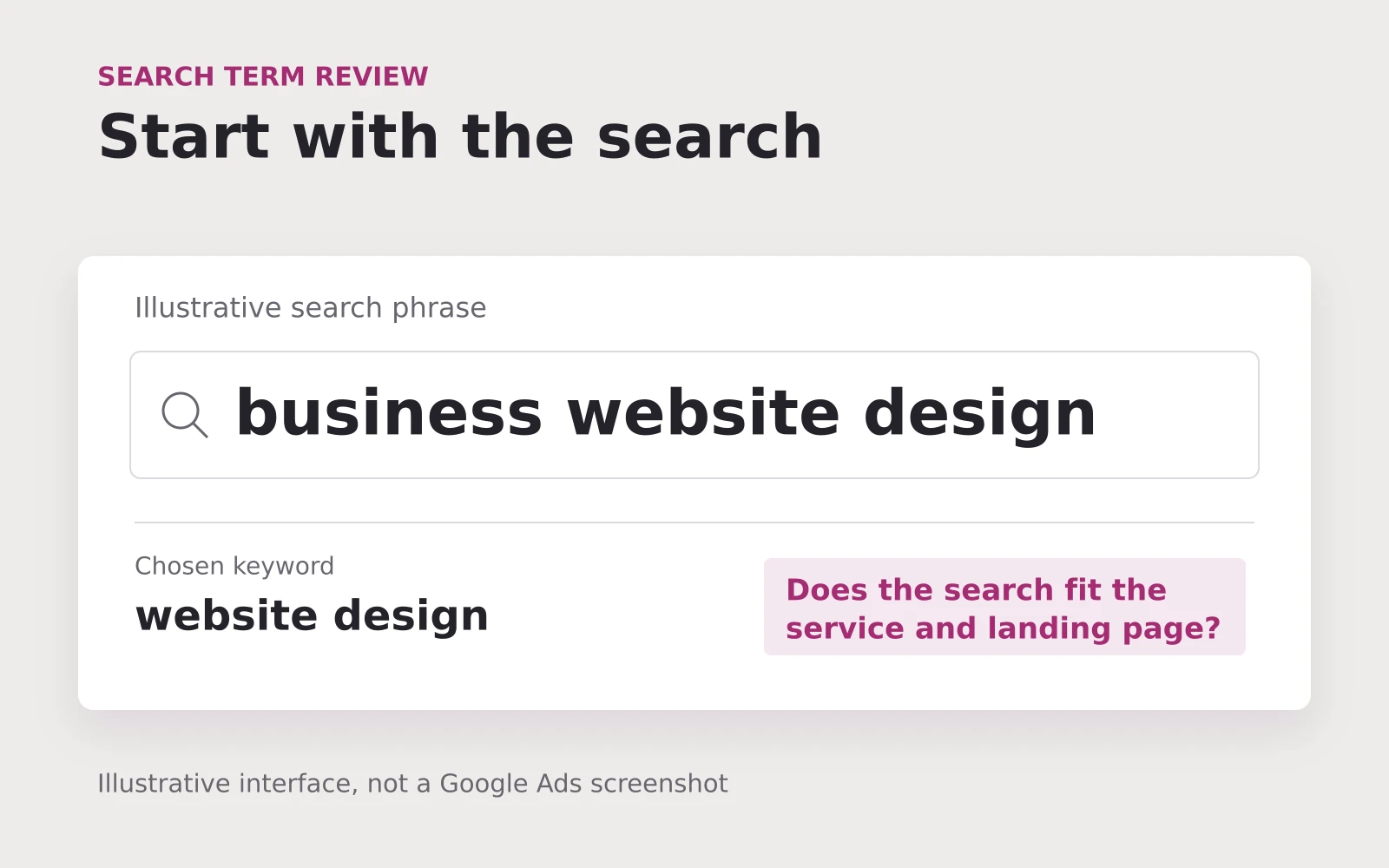
Illustrative interface, not a Google Ads screenshot or actual account data.
A search can contain your service name and still ask for something your business does not provide. Another search can look unfamiliar yet describe a suitable customer need. Reviewing the wording is useful; deciding what the business should do with it is the real work.
This guide focuses on keyword-based Google Ads Search campaigns. It helps you review a query before keeping it under observation, correcting the message or excluding it. It does not replace an account review, and its examples are illustrative rather than campaign results.
Read the search term alongside the keyword
A search term is what someone searched for; a keyword is an advertiser-selected targeting input. In the report, the Keyword column identifies the matching keyword. The report’s Match type can differ from that keyword’s selected setting. Some low-activity queries are omitted for privacy, so the report is not an exhaustive search log. See Google’s explanation of the search terms report.
For your review, keep the chosen date range, campaign and ad group visible. Read the whole query before judging one word. Then ask the person responsible for the service what a customer using that phrase could reasonably expect to receive.
The useful question is more specific than “Is this about websites?” It is “Does this search describe a service we offer to this audience, in a context this campaign is meant to address?”
Give each query a business reason, not just a label
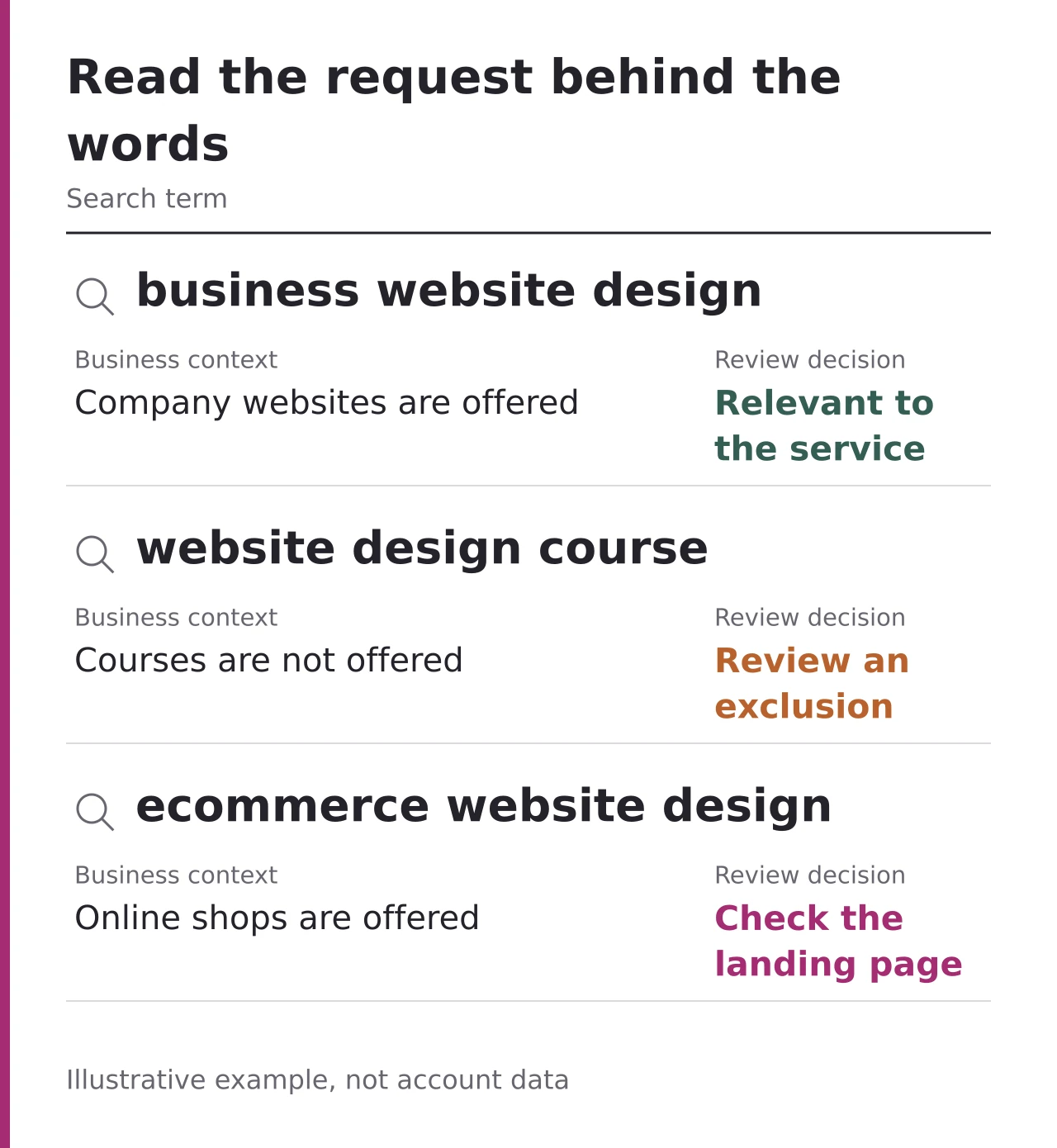
Consider a fictional web-design provider that builds company websites and online shops, but does not sell courses. The phrases below are a teaching example, not an export from a Google Ads account. They show why relevance needs a business decision.
- “business website design” — relevant to the service
- The request appears consistent with the company-website service. Check whether the ad and destination explain that service clearly. This is a reason to investigate relevance, not proof that the search will produce a customer.
- “website design course” — outside the offer
- The provider does not offer learning programmes. That service boundary gives a reason to consider an exclusion. Review the proposed wording and where it will apply before saving it.
- “ecommerce website design” — check the destination
- The provider does offer online shops. If this query is being reviewed in a campaign for company information websites, first check the campaign structure and the page it leads to. A mismatch here does not justify excluding ecommerce across the business.
Write the reason in ordinary language: “We do not provide courses” is actionable. “Bad keyword” leaves the next reviewer guessing. If the service boundary is unclear, ask the business owner before turning uncertainty into an exclusion.
Check whether the ad and page answer the search
A relevant query can expose a weak destination. Someone looking for an online shop needs to understand the ecommerce service, what information the provider needs and how to discuss the project. A page devoted to a different type of website may leave those questions unanswered.
Read the query, ad wording and destination together. Note exactly what fails to connect: an unavailable service, an unclear description, a different audience or a contact step that does not suit the request. The appropriate action might be a clearer ad, a more suitable page or a campaign change that needs review.
Use the homepage versus landing page guide if the next decision is where to send the visitor. The search-term review should identify that problem without becoming a complete website redesign brief.
Do not treat a recorded conversion as proof of a suitable customer, or an absent recorded conversion as enough reason to exclude an otherwise relevant query. Keep the search wording, the measurement being used and any verified enquiry outcome separate. Our guide to qualified WhatsApp enquiries explains the distinction between a contact action and a useful request.
Review the negative match type before saving
A negative keyword is an exclusion control, not simply a note that a search looked unsuitable. Its wording and match type affect what it can block.
For Search negatives, broad match blocks searches containing all its words in any order; phrase match requires those words in order, with possible additions; exact match requires those words in order without additions. These controls differ from positive matching. Do not assume negatives automatically cover synonyms or singular and plural forms. Consult Google’s current negative-keyword guidance before applying a change.
Keep an example of a useful search beside the proposed exclusion. Ask whether the change would block that search too. A term such as “design” deserves particular care in a web-design campaign because it is also part of the service you want to advertise.
Review Arabic and English wording on their own terms. An English exclusion is not evidence that the corresponding Arabic searches have been addressed. Keep any additional wording tied to observed queries and the actual service boundary.
Choose where the exclusion belongs
When a negative is added from this report to a Search campaign, Google defaults to negative exact match. The save route offers an ad group, campaign or negative-keyword list. Check the selected match type and destination before confirming. See Google’s instructions for adding negatives from the report.
Return to the fictional provider. Suppose a reviewer is considering a phrase-match exclusion for “ecommerce” in the company-website ad group. Before applying it, ask why that restriction is needed and whether the ad structure or destination should change instead. Applying it more widely could also affect the provider’s online-shop campaign, where that search is relevant.
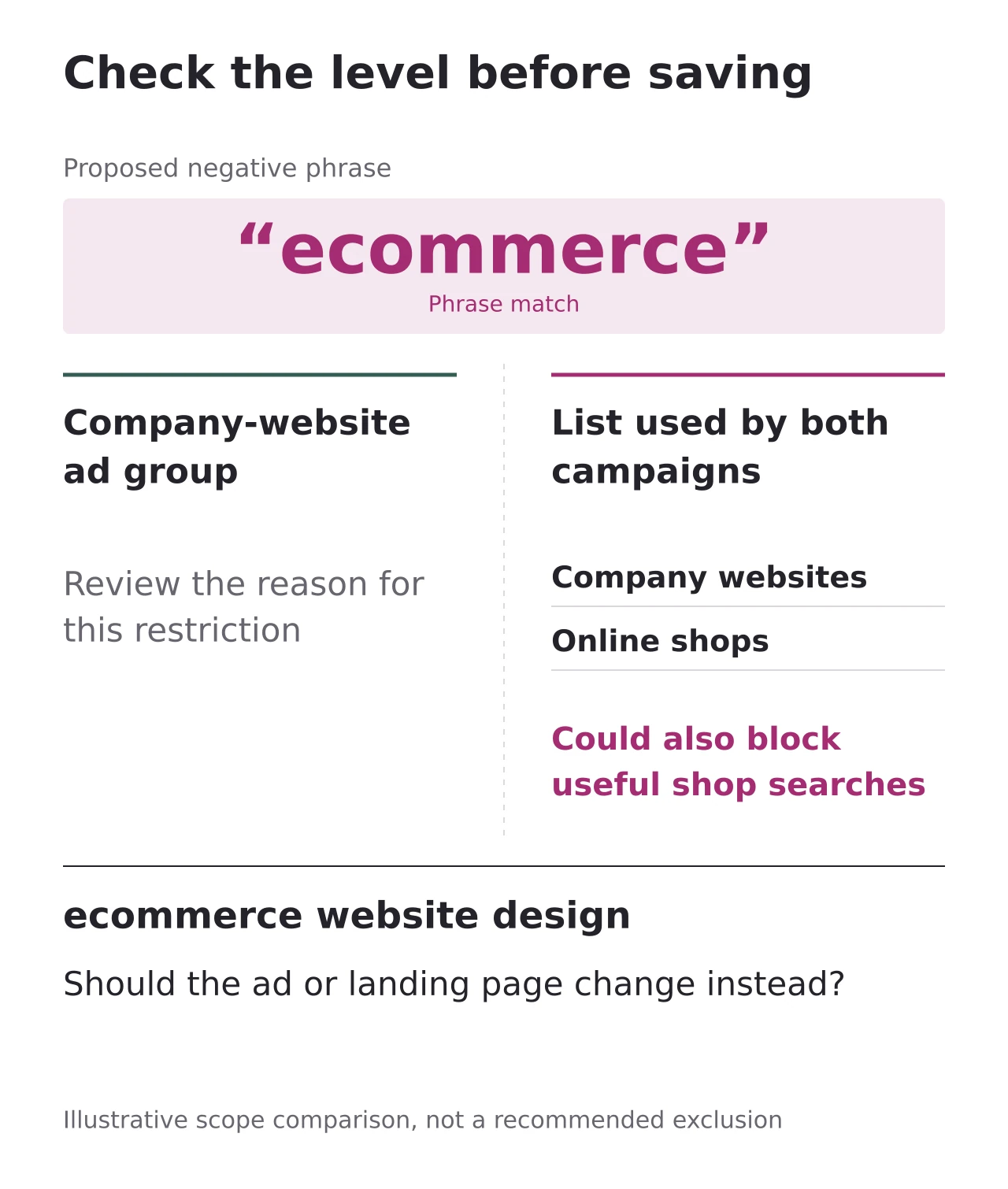
The scope should follow the approved reason. “Not suitable for this ad group” and “not a service we offer” are different decisions. Check any other campaigns using a shared list before adding a new exclusion to it.
Leave a decision the next reviewer can understand
A useful review ends with a short record of what was decided and why. Keep it with the campaign’s working notes rather than relying on someone remembering the discussion.
- Context: the date range, campaign, ad group and query reviewed
- Service decision: what makes the request relevant, unsuitable or still unclear
- Action: keep under review, investigate the message or destination, or apply a justified exclusion
- Change details: the approved wording, match type, application level and person responsible
- Follow-up: what the next review should check, including any useful searches the change might affect
After a change, review the searches and enquiries you can actually observe. A tidier list alone does not establish better lead quality, and the report cannot answer questions hidden by its coverage limits. If the evidence is insufficient, record what remains unknown rather than presenting the change as a proven improvement.
If you need help reviewing the connection between search intent, campaign structure and the destination, explore ADAMS paid advertising services. Start with the service you want to promote, the audience it suits and the material available for review, then agree the work needed.