

Main image: concept illustration of social content production, not an ADAMS team photograph or a client project
A full social media calendar can still leave a customer with unanswered questions. Your team may be publishing regularly, yet the posts say little about who a service suits, how it works or what someone should do next
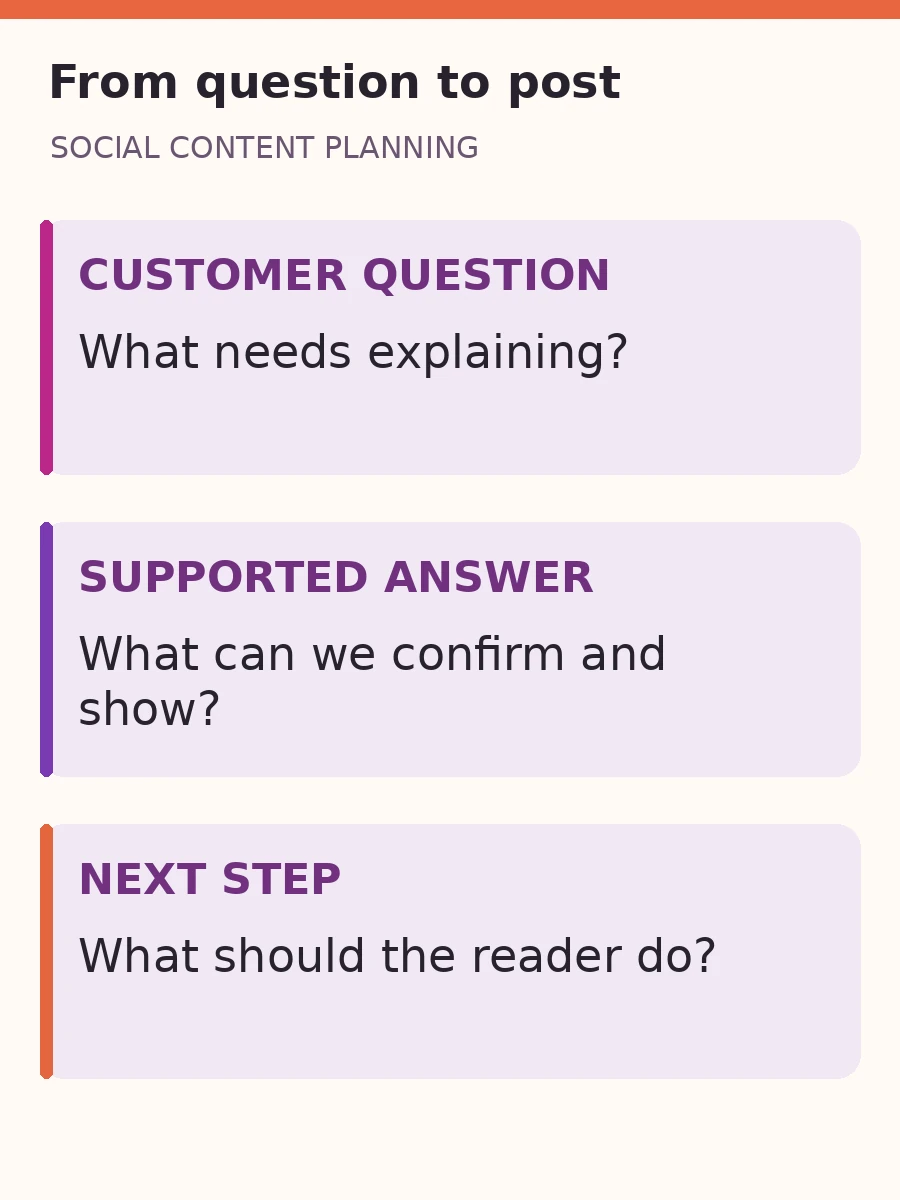
A useful social media content plan starts with those gaps. Collect the questions people ask before buying, choose the answers your business can support and turn them into posts with a clear purpose. The calendar comes afterwards, when you know what deserves a place in it
Find the customer questions worth answering
Begin with the conversations closest to a buying decision. Ask the people handling enquiries what customers struggle to understand, what they compare and what regularly needs explaining. Look at recurring questions in messages, calls and service discussions where you have appropriate access
Record the question in ordinary customer language. “Do I need everything ready before we start?” is more useful than a topic called “Our process”. The question gives the writer a problem to resolve and helps the designer choose what to show
Remove names, contact details and sensitive information from working examples. A customer conversation can reveal a useful topic without becoming a screenshot for public use. If you want to quote someone or show their project, obtain the necessary permission and check what can actually be shared
Then separate a repeated question from a team assumption. Both can suggest content, but they carry different evidence. Mark an untested idea as something to explore rather than claiming that all customers have the same concern
Choose the question that removes a real obstacle
Give priority to questions that affect suitability, confidence or the next action. Can you answer accurately? Do you have something useful to show? Does the answer belong on social media, or does it need a more detailed page that the post can introduce?
Some questions need a private conversation. A request involving confidential requirements should lead to an appropriate contact route, not an invitation to publish personal details in the comments
Build a content mix around what people need to understand
A content pillar is simply a group of related subjects. Labels such as education, trust and promotion can help organise ideas, but a label alone does not tell your team what to make. Give each group a customer question and a job
- Understanding: explain the problem, a useful distinction or a step someone finds confusing
- Suitability: show who the service or product is appropriate for, including relevant limits
- Evidence: demonstrate a real detail, approved process or permitted piece of work that supports the message
- Next step: explain how to enquire, what information to provide and what happens afterwards
You do not need an equal share of every group or a universal posting ratio. Choose a mix that reflects the questions you can answer and the material you can produce well. If the same uncertainty keeps appearing in enquiries, a useful explanation may deserve another treatment before you invent an unrelated topic
Keep the distinction between an explanation and a promise. Showing a workflow does not prove a guaranteed outcome. A photograph of a finished item does not establish an unsupported claim about durability. Make the claim no broader than the evidence
Turn one customer question into the right post format
The following is an illustrative planning exercise for a generic software support business, not an ADAMS client or a report of results. The question is: “What happens after I send a support request?” The business would need to confirm its actual process before using any of these ideas
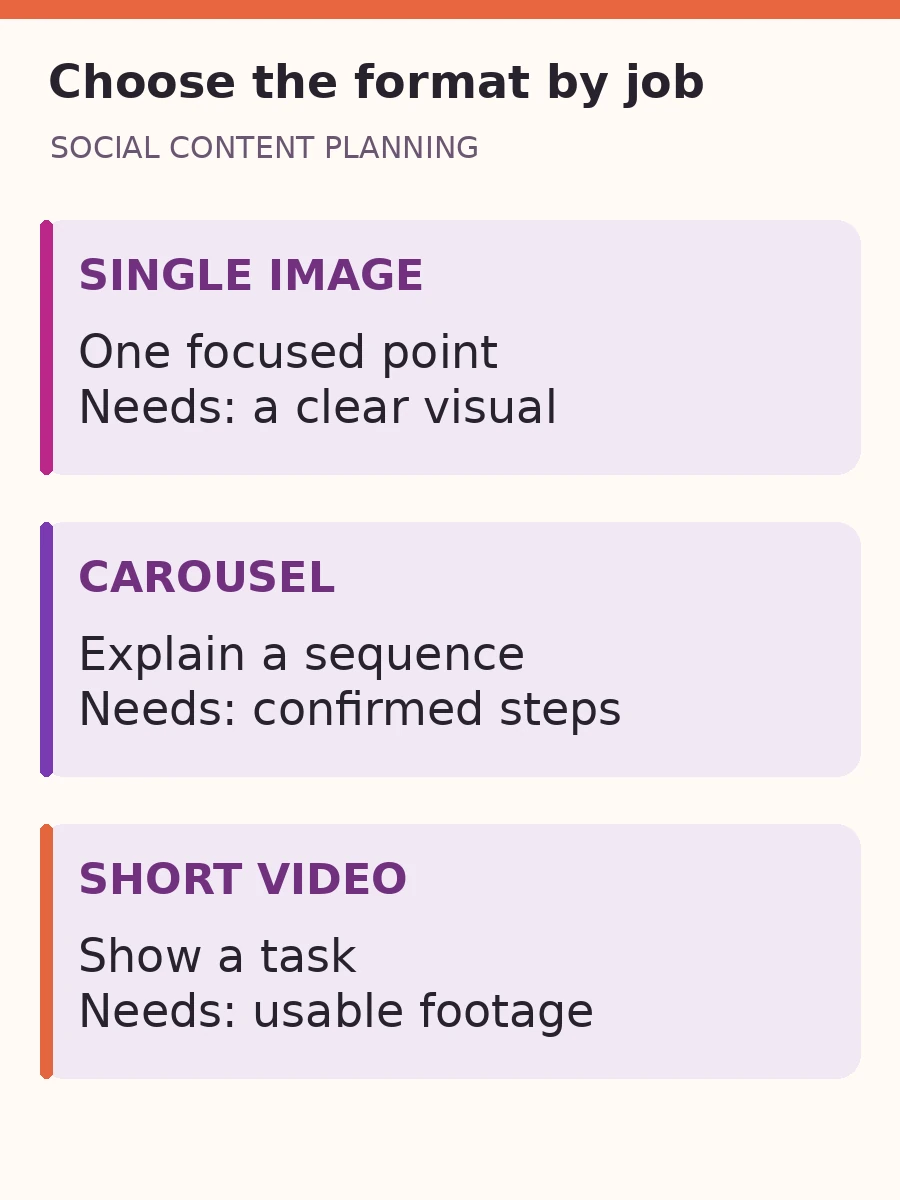
A single image can make one point clear
Use a focused visual and accompanying copy to explain what information the customer should have ready. A suitable message might ask for a description of the issue and the relevant product details, provided those are genuinely the business’s requirements. Direct private or sensitive information to the approved support route
The image should carry a clear idea without becoming a compressed manual. Keep the fuller explanation in readable post copy or on the linked support page
A carousel can explain a sequence
If the business has a confirmed sequence, use separate cards to explain the stages. Each card should add something: what is received, what is checked and what the customer needs to do next. Do not pad the sequence with repeated headlines or invent response deadlines to make it sound reassuring
A short video can show an action
Use video when seeing the task helps someone understand it. A permitted screen demonstration could show where to find a product detail before making contact. Use a demonstration environment without customer records, and check that the current product behaves as shown
These are alternative treatments of the same question, not a requirement to produce every format. Choose the treatment that fits the explanation, the available assets and the agreed platform. Cropping a static design into a vertical frame does not create a useful video by itself
Give each post a small, usable production brief
Once the idea is clear, record enough direction for someone else to produce it. A short brief can state the customer question, the supported answer, the asset to use, the intended next step and the person who confirms the facts
For example, the illustrative support post could be briefed as: help existing users prepare a useful support request; explain only the information the support owner has confirmed; use an approved demonstration image; direct the reader to the current support page. That gives the team a concrete task without writing the entire design in advance
Meta Blueprint’s creative brief course covers objectives, audiences, measurement and deliverables in an advertising context. The same planning discipline can help an organic content team clarify its instructions. It does not establish a formula for organic reach
Keep responsibility visible. The business confirms service facts and permissions; the content team develops the explanation; a named approver consolidates feedback; and the publishing owner checks the final version and destination. If the facts change, revise the brief before scheduling the post
For video, distinguish concept development, supplying footage, filming and editing. Agree who provides each input and what the work includes. An editor cannot demonstrate a real process if the necessary footage or permitted screen recording does not exist
Check the post as someone will actually experience it
Review the final design on a phone at a normal viewing size. Check the reading order, legibility, crop and contrast. Open the destination link and confirm that it answers the promise made in the post. If the post invites a message, make sure the team knows where that message arrives and who responds
Plan accessibility while choosing the format. W3C’s audio and video planning guidance recommends including the required accessibility work and responsibilities during production. For spoken video, prepare accurate captions and review automatic transcription. Where important meaning is only visual, plan how that information will also be communicated
For informative images, W3C’s image guidance explains how a text alternative conveys the relevant meaning in context. Write a useful description and use the platform’s available accessibility controls. Ordinary accompanying post copy, image alt text and synchronised video captions serve different purposes; one does not automatically replace the others
These are production checks, not a declaration that a post or account meets every accessibility requirement. Platform features vary, so check the current publishing interface rather than assuming identical controls everywhere
Use responses to decide what to explain next
Define what you want to learn before reviewing a post. For an explanation, look for the follow-up questions people ask. For a suitability post, examine whether enquiries include the information needed to assess a fit. For a contact post, check whether people can complete the intended next step
A save, a reaction, a link click, a received enquiry and a confirmed customer are different observations. None should be reported as another. Limited response also needs care: it may reflect distribution, timing, the presentation or the topic. It does not prove that nobody needs the answer
Compare relevant evidence from the platform and the business, with access and privacy handled appropriately. If you cannot reliably connect a sale to a post, do not present the connection as established. Record what you can observe and what remains uncertain
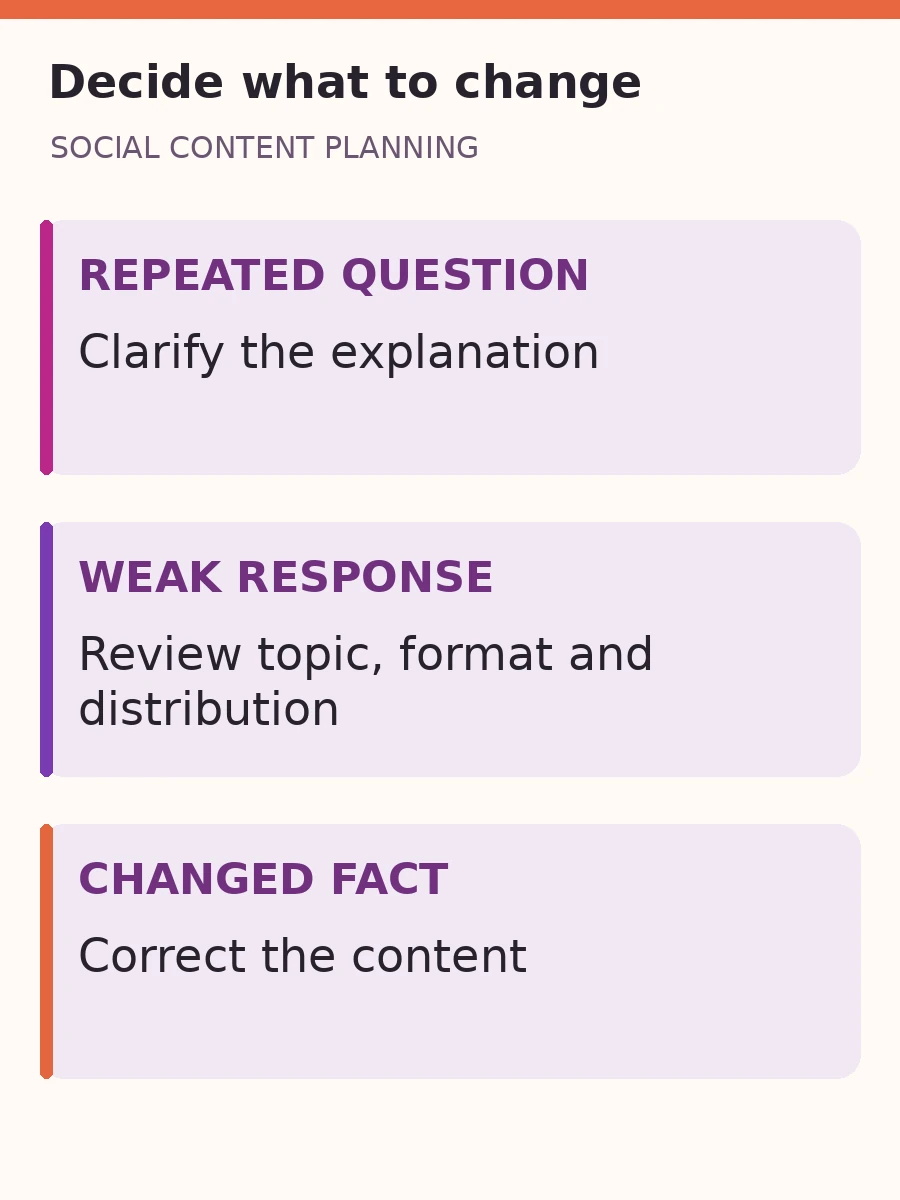
Use the review to make a specific decision. A recurring follow-up question may need a clearer explanation. An accurate, useful topic may deserve a different opening or format. Outdated service information needs correction. Keep those decisions separate so a weak response does not become a reason to rewrite a correct business fact
When social posts send people to a website, the destination becomes part of the experience. If visitors arrive but do not make contact, check where the enquiry journey breaks down before assuming that publishing more posts will solve it
Start your next plan with a question list
Before choosing dates, write down the customer question, the answer you can support, the most useful format, the available evidence and the intended next step for each proposed post. Leave gaps visible and resolve them before production. Then schedule the work your team can supply, review and publish properly
If your business needs help turning those questions into a consistent plan, explore social media management with ADAMS. Bring the questions your customers already ask and the material you are permitted to use, so the conversation starts with useful content your business can stand behind