
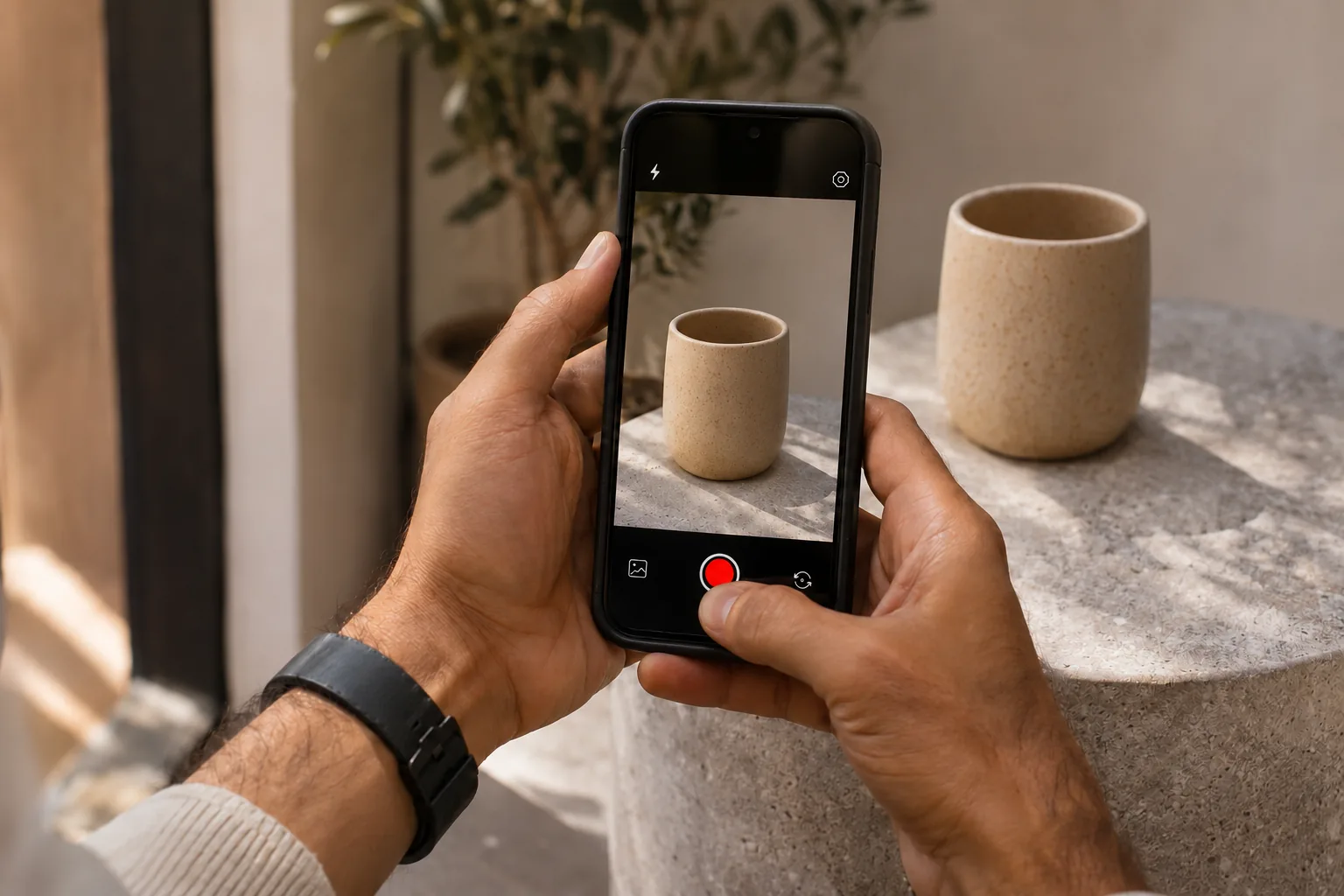
Generated illustrative filming scene, not ADAMS staff, a client shoot or evidence of a finished Reel. The unbranded vessel is a fictional visual example.
A folder can contain attractive clips and still be missing the moment a useful Reel needs. The product is visible, but its important detail is never clear. Someone explains a service, but the recording loses the end of the explanation. Editing starts with material that cannot support the agreed idea
To prepare footage for Reels, decide what the viewer needs to understand, capture the views that explain it and check the recordings before the opportunity to film disappears. Then give the editor the original files with enough direction to understand their purpose
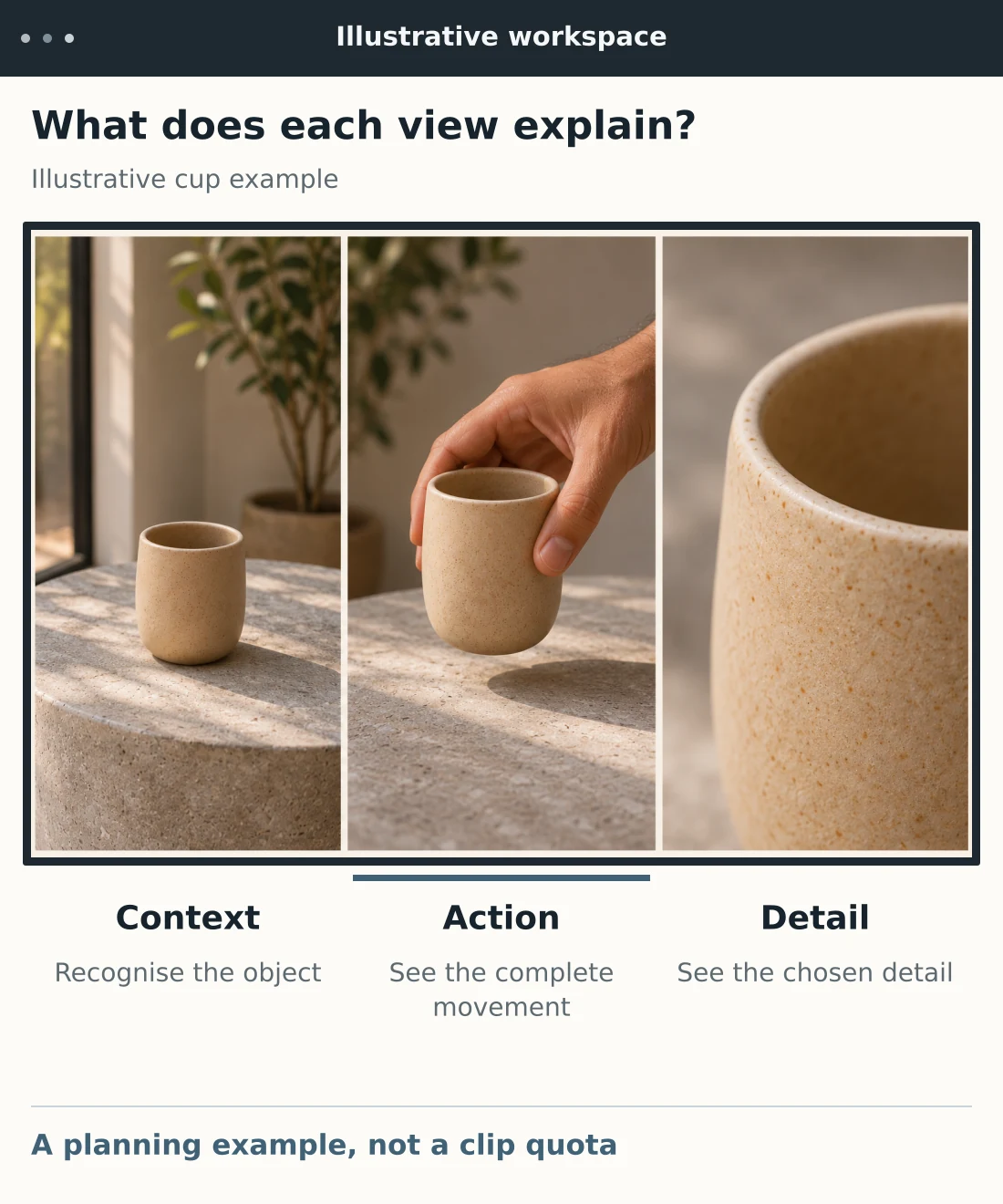
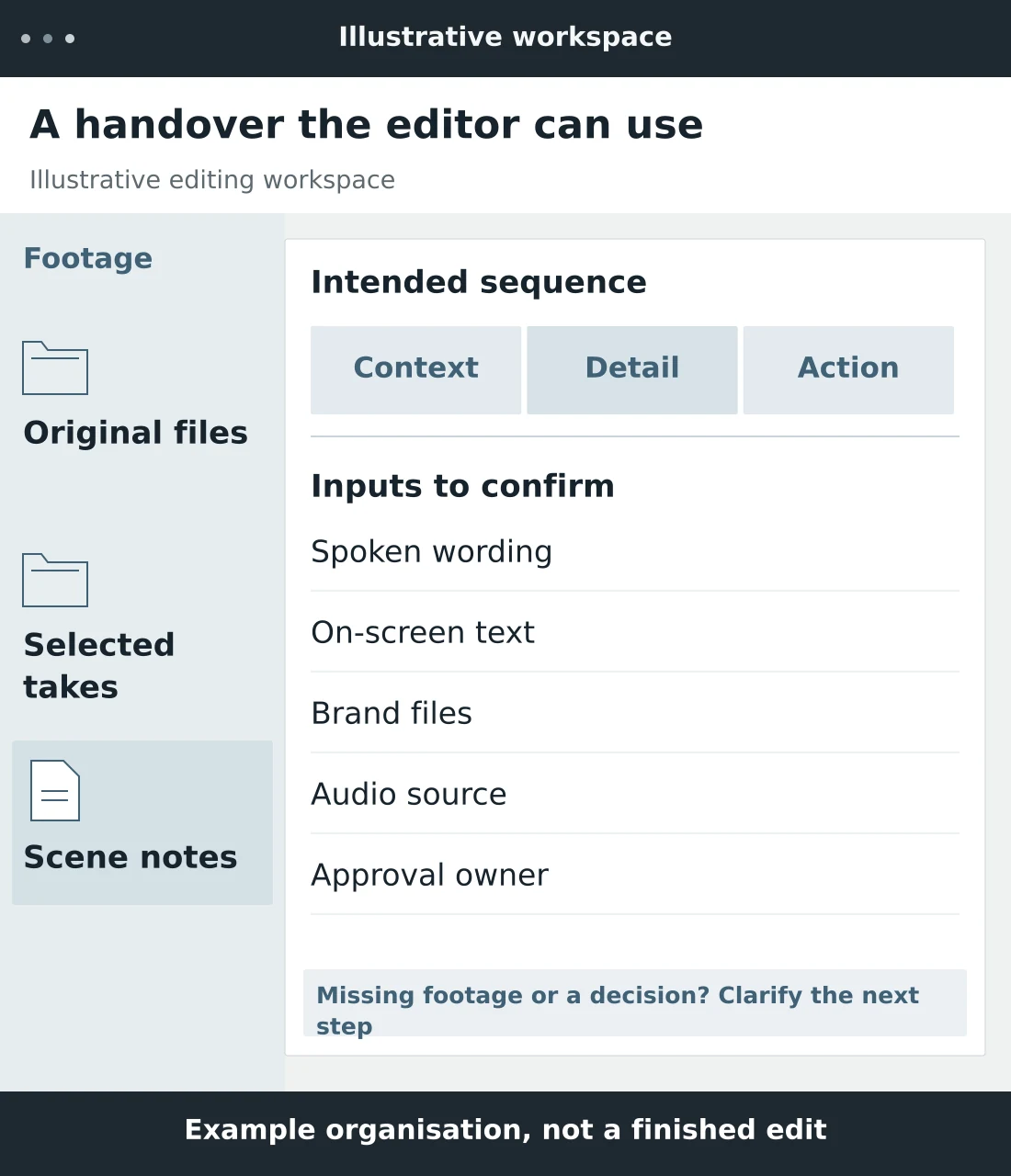
The unbranded cup example and visual workspaces below are illustrative, not a client production, real footage handover or evidence of completed work
Agree what the viewer should understand
Start with one useful question and the next step you want the viewer to take. A product introduction, a demonstration of an existing service and an answer to a common customer question need different material. Give the editor the approved message and identify what your company can actually show to support it
If the topic itself is still unclear, use our guide to a social content plan built around customer questions. Here the idea is already agreed; the task is to collect the material needed to explain it
Confirm where the video will appear, whether it is intended for organic posts or paid advertising, its language and who will appear or speak. Agree the filming and editing responsibilities before arranging the shoot. A reference video can communicate a preferred pace or treatment, but does not replace this direction or make the material shown in it available for your own video
Give each planned shot a job
Plan the main action together with the supporting views that make it understandable. Adobe describes B-roll as supplemental footage that can establish context, connect cuts or add meaning. Choose those views for the agreed story rather than collecting unrelated attractive scenes
Consider a fictional company introducing a plain, unbranded cup. Its brief is simply to show the object and a detail the company has selected, with a closing invitation to view the product information. No material, capacity or performance claim is assumed
Show the object in context
A view of the cup on the chosen surface helps the viewer recognise the object and its surroundings. Decide which part must remain visible. If another object is added for context, check that the composition does not suggest it is included with the product
Make the relevant detail visible
A closer view can explain the selected edge, opening or finish more clearly. A different angle earns its place when it reveals useful information. Repeating nearly the same view does not resolve a missing detail, and a close-up alone does not establish an unverified product property
Capture the intended action completely
If the approved idea includes lifting and placing the cup, record that movement clearly, with the object visible before and after the action. Keep its appearance and surroundings consistent between views where continuity matters. The editor should not have to imply an action that was never filmed
These are possible roles, not a required number of clips or a universal sequence. A spoken service explanation may need supporting process footage instead. Include the views the idea needs and remove those that add nothing
Use a shot list that works during filming
Adobe’s shot-list guidance recommends an easy-to-scan record of the scene, framing, movement and audio, with notes to help the edit. Adapt the list to the work rather than importing a film-production template your team cannot use
For each planned view, write what it must explain, the action to record and whether speech or useful natural sound is needed. Note any approved wording or product information that has to remain accurate. During filming, mark a usable take and describe a problem while you still remember it
A useful note might say “the opening is obscured in this take; use the alternate view”. An unexplained “best clip” label gives the editor less help. If the idea changes on the day, record the decision and confirm whether it changes the agreed message
Check a recording before you leave the scene
Play back a sample before recording the rest. Inspect whether the important subject is in focus, the intended detail can be seen and the movement has been captured. Listen to spoken material rather than judging it from the picture. Check again when the speaker, position or surroundings change
YouTube’s mobile-filming guidance for Shorts recommends vertical filming, soft and even light, a quiet recording space and a short pause before and after an action. These are useful preparation checks; agree the actual placement requirements with the editor instead of assuming one technical specification fits every use
Preview the intended portrait composition when that is the agreed format. Make sure the important action will survive the planned framing and any accompanying text. If the material needs another crop or language, discuss that before filming rather than assuming the same recording will support every version
Flag unusable sound, a missing detail or an incomplete action early. The next decision may be another take, a revised explanation or a different approved idea. Do not assume editing can recover information that the recording does not contain
Send original files with an understandable handover
Use the agreed transfer method to provide the original recordings, not only an assembled preview. Keep the originals and identify selected takes without removing the other material the editor may need. Agree who can access the files and check that the intended recipient can open them
Organise files by the actual scene or subject, with a short note connecting them to the planned sequence. Separate unused or uncertain material from approved inputs. An editor should be able to tell which files show the context, detail or action, and which recording contains the intended speech
Include the approved spoken wording where relevant, names and product terms that need checking, logo files and the text to appear on screen. Distinguish captions that follow speech from the accompanying social post copy. For bilingual versions, identify the approved language inputs and who checks their meaning
State the intended music source and flag uncertainty about its use for the agreed platforms or paid campaign. Resolve that point before final delivery rather than treating a track attached to a reference video as an approved input
Agree how missing material and feedback will be handled
The editor’s first review should identify what is usable, what is missing and which decisions are needed before the edit can proceed. A request for more footage should name the missing explanation or action, so the company can decide how to provide it
Choose one person to consolidate feedback. Separate corrections to factual information from preferences about pacing or composition, and identify any requested change to the approved idea. Agree who reviews the final picture, sound, wording and next step before publication
Our social media scope guide helps separate these responsibilities. In the agreed ADAMS social media service, Reel concepts, short scripts, client filming guidance and editing can form part of the stated scope using suitable client-supplied footage; filming and advanced animation are quoted separately
Bring the idea, the footage you already have and the places where it will appear. The useful next step is a clear decision about what can be edited, what still needs to be captured and who approves each input